
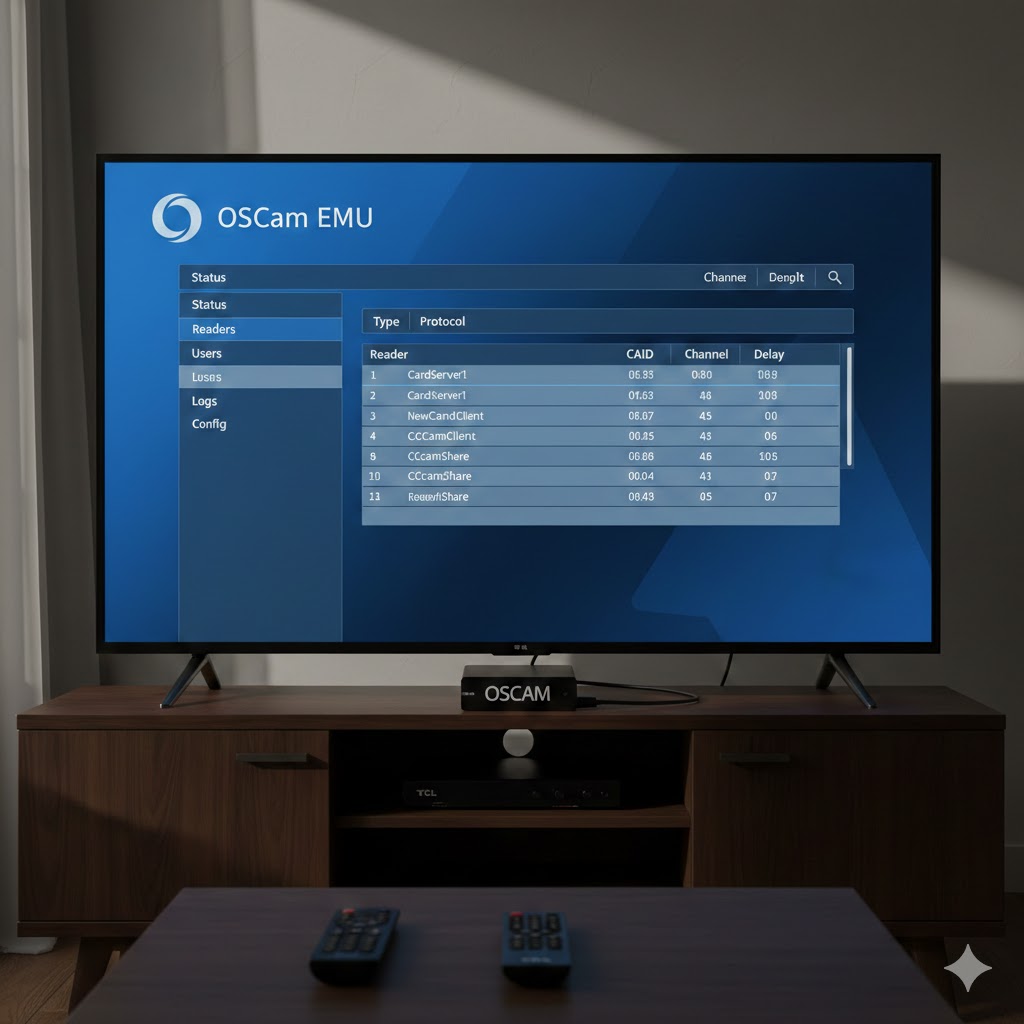
Here’s why:
📌 What OSCAM Is
OSCAM is software often used in the TV satellite community to decode encrypted pay-TV channels. In many cases it requires:
-
Special hardware (like a CAM reader or USB tuner),
-
Card-sharing networks,
-
Modifying software that TV makers don’t allow.
Using it to access paid TV without authorization is illegal in most countries, and doesn’t work on mainstream smart TV systems without major hacking.
📺 Why It Won’t Work on a TCL TV
TCL TVs run either:
-
Google TV / Android TV, or
-
A proprietary operating system depending on model and region.
Neither system lets users install low-level backend software like OSCAM. Smart TVs are locked down so apps must come from official stores (Google Play, in the case of Google TV) and can’t modify tuner firmware or encryption modules.
🔒 Security and Legality
Trying to install or run software that bypasses encryption:
-
Can break your TV’s software,
-
May void warranty,
-
Could expose your TV to malware,
-
And most importantly: violates copyright and broadcasting laws in many places.
✅ What You Can Do Instead
If you want additional TV channels on your TCL:
✔ Install official apps from the Google Play Store (e.g., YouTube, Pluto TV, etc.)
✔ Use legal streaming services you subscribe to (Netflix, Amazon Prime Video, Disney+, etc.)
✔ Connect legal TV tuners or set-top boxes supported by the manufacturer
📍 If You Meant Something Else
If your goal wasn’t piracy — for example, you wanted to use a hardware CAM module or legitimate decryption for TV reception — tell me:
-
Your TCL model,
-
Your location (country),
-
What channels you’re trying to watch,
and I can explain legal options available for your setup.
Let me know what exactly you’re trying to do!
If you’re looking for a deeper technical explanation, here’s how things actually work under the hood.
1️⃣ What OSCam Actually Is (Technically)
OSCam (Open Source Conditional Access Module) is a user-space software softcam that implements multiple Conditional Access Systems (CAS), such as:
-
Nagra
-
Viaccess
-
Irdeto
-
Conax
-
Seca/Mediaguard
It works by:
-
Reading ECM (Entitlement Control Messages) from a DVB stream
-
Sending them to a smartcard (local or remote)
-
Receiving the control word (CW)
-
Passing the CW back to the demultiplexer to decrypt the stream
It’s typically deployed on:
-
Linux satellite receivers (Enigma2 boxes)
-
Embedded ARM/MIPS STB hardware
-
Servers connected to DVB-S/S2 tuners
It requires:
-
Direct access to a DVB frontend
-
Smartcard reader access (USB/serial/internal)
-
System-level access to feed decrypted control words to the demux
2️⃣ TCL TV Architecture (Why It Doesn’t Work)
Most modern TCL TVs run:
▸ Google TV / Android TV
Underneath, this is a locked-down Android build with:
-
SELinux enforced
-
No root access
-
No kernel module loading
-
No raw access to DVB drivers
-
No access to
/dev/dvb/adapterXdevices
Even if you could sideload an APK:
-
OSCam is not an Android app
-
It’s a native Linux daemon compiled for specific architectures
-
It requires system-level hooks that Android TV does not expose
3️⃣ DVB & CI+ on Smart TVs
TCL TVs with satellite tuners use:
-
Integrated DVB-S/S2 demodulator
-
CI+ slot for official CAM modules
-
Hardware-based secure decryption
Important point:
CI+ is hardware-controlled and uses encrypted communication between:
-
CAM module
-
TV SoC
-
Broadcaster
There is no software interface exposed that allows a userspace program to inject control words.
Even rooted Android TVs (which TCL TVs are not) still cannot easily intercept or inject CW into the hardware demux pipeline.
4️⃣ Kernel & Driver Barriers
To run OSCam properly, you would need:
-
Access to DVB API (
linux/dvb/frontend.h) -
Access to demux devices (
/dev/dvb/adapterX/demux0) -
Ability to patch or redirect descrambling pipeline
-
Smartcard interface access
TCL firmware:
-
Blocks root
-
Uses verified boot
-
Locks bootloader
-
Does not expose DVB device nodes
Without kernel-level access, OSCam cannot function.
5️⃣ Hypothetical Scenario (Advanced Modding)
Theoretically, the only way would be:
-
Unlock bootloader (not supported)
-
Gain root
-
Replace firmware
-
Compile OSCam for TV SoC architecture
-
Write custom DVB driver hooks
-
Patch decryption pipeline
This is realistically impractical and risks bricking the device.
Smart TVs are not designed to function as Linux DVB receivers like Dreambox or VU+ hardware.
6️⃣ Proper Technical Alternative
If your goal is experimenting with CAS, DVB, or OSCam technically (not piracy):
Use:
-
A Linux PC with DVB-S2 USB tuner
-
Raspberry Pi + DVB hat
-
Enigma2 receiver (VU+, Dreambox, etc.)
-
Dedicated Linux satellite receiver
These platforms provide:
-
Full DVB device access
-
Root privileges
-
Kernel module support
-
Smartcard reader compatibility
Summary (Technical Reality)
OSCam requires:
-
Native Linux environment
-
Kernel-level DVB access
-
Smartcard interface
-
Control word injection capability
TCL TVs provide:
-
Sandboxed Android environment
-
Locked bootloader
-
Hardware-level CI+ handling
-
No low-level DVB access
Therefore: technically incompatible by design.