![[IPTV PLAYER] NANOMID](https://www.tvosguide.com/wp-content/uploads/2026/01/nanaomid-logo.png)
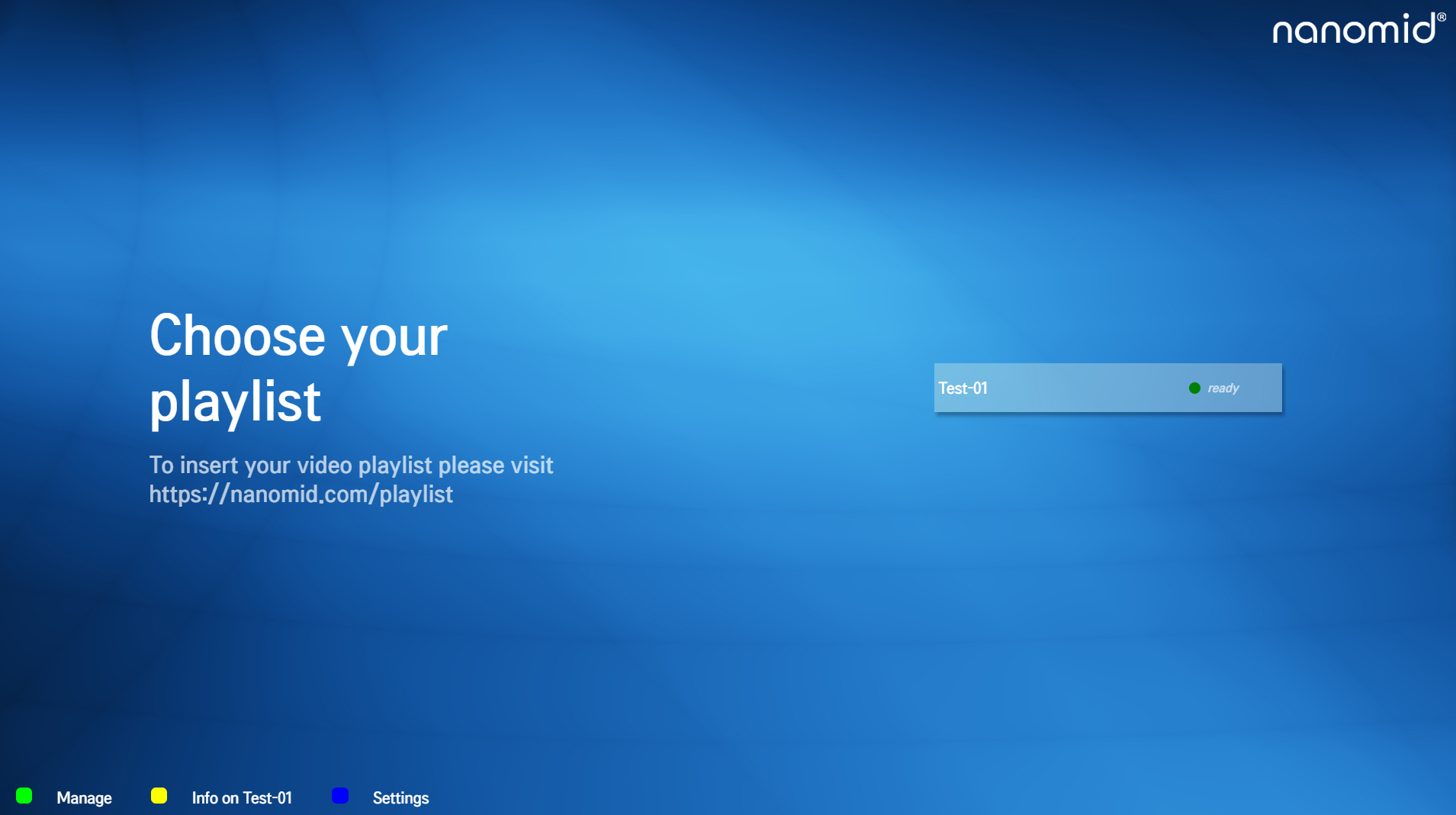
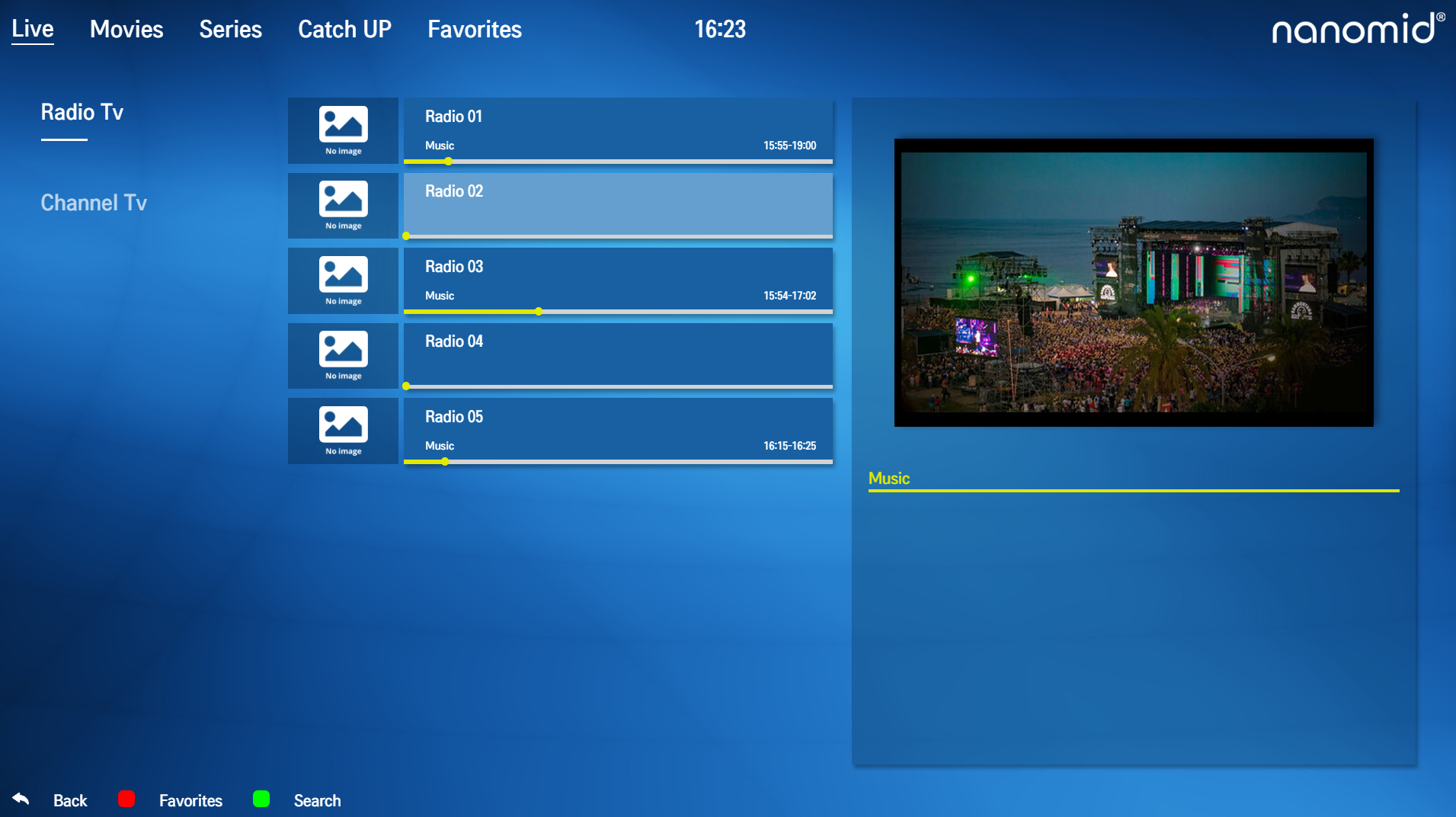
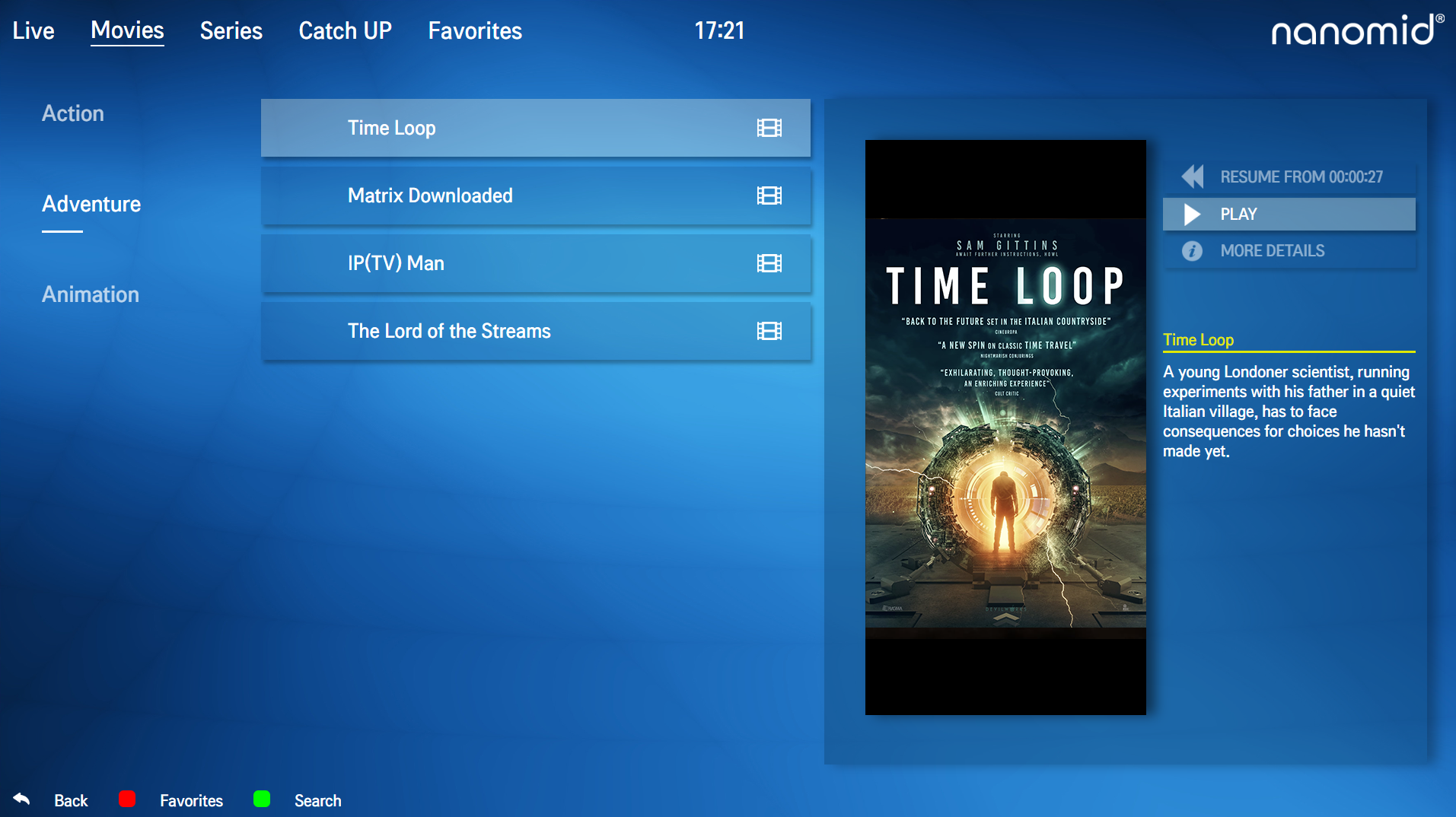
Nanomid IPTV Player is a multimedia application designed primarily for watching IPTV (Internet Protocol Television) content — that means TV channels, movies, and series streamed over the internet using playlist files or links.
It’s available for devices like Smart TVs, Android phones/tablets, and iOS devices.
Main Features
📺 IPTV & OTT Support
-
Lets you watch TV channels, movies and series by loading your own IPTV playlists (usually in .m3u format).
📂 Playlist Management
-
You can upload and manage playlists easily using a QR code or a temporary one-time code (OTP).
⭐ Favorites & Search
-
Save favorite channels/shows and use a built-in search to quickly find what you want.
🔐 Parental Controls
-
Add a PIN to block specific content categories for family safety.
📝 Multilingual Interface
-
The player supports multiple languages and can display subtitles and switch audio tracks if they are included in the stream.
📱 Multi-Device Compatibility
-
Works on Android, Smart TVs, and iOS devices with a similar interface.
Optional Built-in VPN
Nanomid also offers an optional VPN Pass feature you can activate inside the player. A VPN (Virtual Private Network) encrypts your internet traffic and hides your IP address to protect privacy and help avoid ISP slowing or blocking of video streams.
This VPN is separate from the IPTV content itself — Nanomid doesn’t provide any TV content or playlists on its own.
Pricing & Availability
-
Nanomid Player may be a paid app (one-time purchase) on official platforms depending on your region (e.g., around €9.99).
-
Some versions seen in app stores or APK repositories might be free or trial versions — always check that you’re using the official app source.
User Feedback & Notes
-
Reviews vary widely — some users like the interface and features, while others report issues with stability or customer support.
-
Because Nanomid just plays your IPTV playlist files, the quality of what you watch depends on the playlist and stream source you use, not the app alone.
Important Considerations
📌 Legal & Content Licensing: The app doesn’t include or provide TV channels by itself. You must use legitimate playlists or subscription services that you have rights to access.
📌 Safety & Source: Only download the app from trusted stores (Google Play, Apple App Store, official Nanomid site) to avoid unsafe or modified versions.