The Rise of FAST Channels: How to Build a “Free” Cable Package
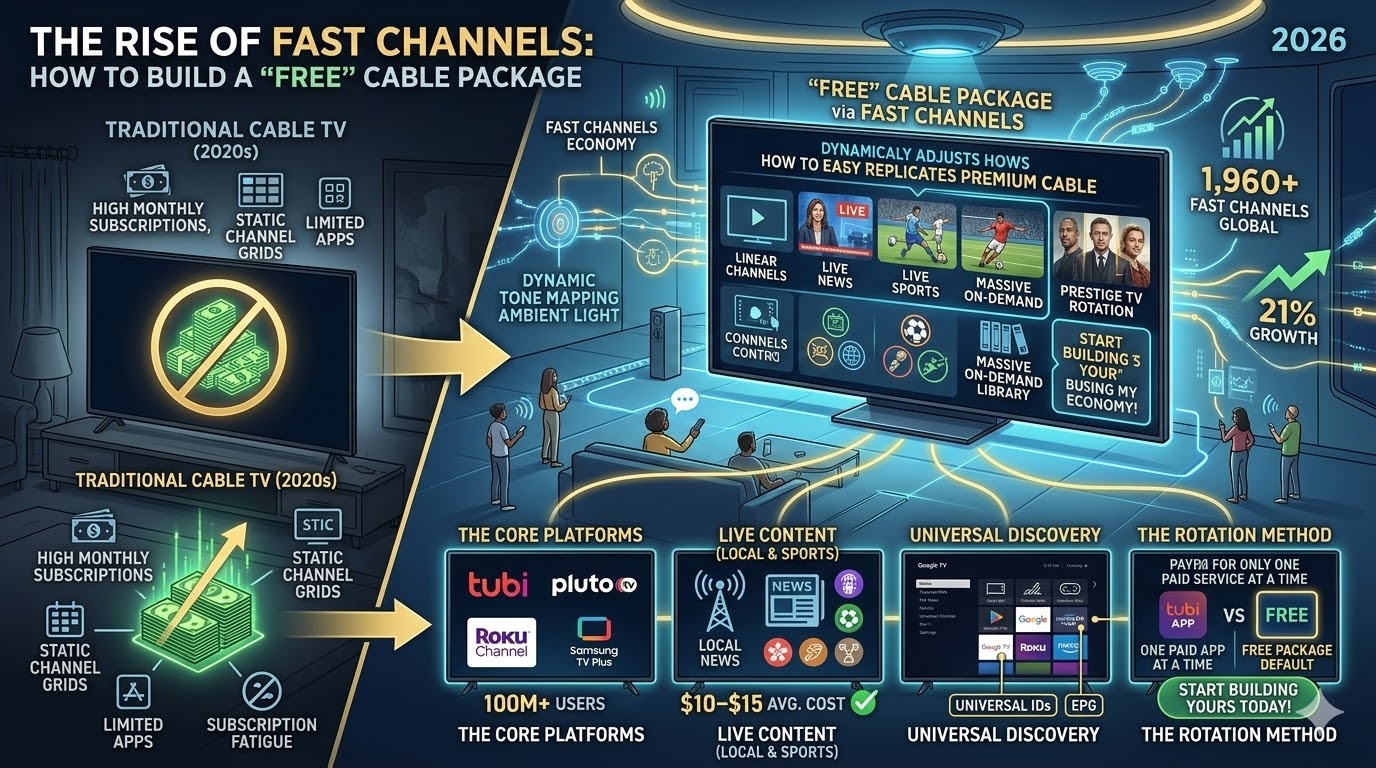
For tvosguide.com readers, 2026 has been defined by “subscription fatigue.” With every major streaming service raising prices, viewers are flocking to FAST (Free Ad-Supported Streaming TV).
The secret to a great 2026 setup isn’t just having the apps—it’s aggregating them so they feel like a single, seamless cable package. Here is how to build your own “Zero-Dollar” cable TV lineup.
1. The Big Three: Pluto, Tubi, and Samsung TV Plus
In 2026, these three platforms have become the backbone of free TV. They no longer just offer “old” reruns; they have live news, dedicated sports channels, and 24/7 marathons of top-tier franchises.
-
Pluto TV: The king of the “linear” experience. Its interface is designed to mimic a traditional cable guide, making it the easiest transition for cord-cutters.
-
Tubi: While known for its massive VOD library, Tubi’s “Live TV” section in 2026 has expanded to include over 200 local news stations and specialized weather feeds.
-
Samsung TV Plus / LG Channels: If you have a 2026 Smart TV, these are baked into the OS. They offer “Exclusive” FAST channels that you won’t find on other apps, such as dedicated 4K nature and high-end automotive channels.
2. Aggregating into a Single EPG (Electronic Program Guide)
The biggest annoyance is switching between 5 different apps to see what’s on. In 2026, we use Unified Guides to bring them all together.
-
Google TV “Live” Tab: If you use a Google TV Streamer, go to the “Live” tab. You can sync Pluto TV, Tubi, and Haystack News directly into Google’s native system guide. It creates one master list of channels that you can scroll through with your remote.
-
Amazon Fire TV “Live” Guide: Similarly, Fire OS has a “Live” button on the remote. In the settings, you can “Sync Sources” to pull in channels from Freevee, Pluto, and even your local antenna (if using a Fire TV Recast or similar).
3. The “Hybrid” Strategy for 2026
Most tvosguide.com pros use a hybrid approach to ensure they never miss a “must-watch” event:
-
Antenna (OTA): For local major networks (ABC, CBS, NBC, Fox) in uncompressed HD.
-
FAST Apps: For niche interests (e.g., the 24/7 Star Trek channel, Baywatch, or Sky News).
-
The “Pivot” App: Use an app like TiviMate or OTT Navigator to manually import M3U links from legal free sources, creating a truly custom “Pro” guide.
2026 FAST Channel Comparison
The Core Platforms: Your “Base” Package
To build a robust free package, you need a mix of platform-native services and independent apps. These are the current heavyweights:
| Platform | Best For | 2026 Highlight |
| Tubi | Massive Movie Library | Reached 100M+ monthly users with deep genre niches. |
| Pluto TV | Linear “Channel Flipping” | The closest feel to old-school cable with 24/7 themed channels. |
| The Roku Channel | Aggregated Premium Content | Now bundles originals and live sports in a single UI. |
| Samsung TV Plus | Global Variety | Pre-installed on 500M+ devices; offers 4,000+ channels globally. |
| Freevee | High-Quality Originals | Fully integrated into Prime Video with premium-tier spin-offs. |
The tvosguide.com Pro Tip: “Hide the Junk”
The downside of FAST is the sheer volume of channels. Take 10 minutes to use the “Hide Channels” or “Favorites” feature in your Google TV or Fire TV guide. By stripping away the 200 channels you’ll never watch, you turn a cluttered mess into a premium, 50-channel “best of” lineup that feels like a $100/month cable subscription.